

Private label roofing artwork approval connects the printed package to the product, order, and destination. Approve the content, layout, and print reference separately, then record one final release. A logo proof alone does not confirm the item inside the carton or the claims beside the logo.
The process works best when one person owns the approved file. Technical staff check product statements, the importer checks market wording, and receiving staff check codes. The factory confirms the print method and usable space. Each decision should point to the same dated version.
Define the private label roofing artwork approval scope

Start by listing what the factory will print. This may include cartons, labels, pallet marks, instruction sheets, or inserts. Give each component its own file reference and approval status. A correct carton does not automatically approve the pallet label.
Also define the purpose of each proof. A digital proof can help review layout and text. A physical print sample can help review the chosen material and print appearance. Neither automatically proves carton strength or the protection offered by a complete pack.
Collect the product references first
Use the final product name, buyer code, supplier reference, color, and quantity basis. Match these fields to the approved purchase specification. If any field remains open, resolve it before releasing printed stock. Reprinting is easier to avoid when the text follows a controlled product record.
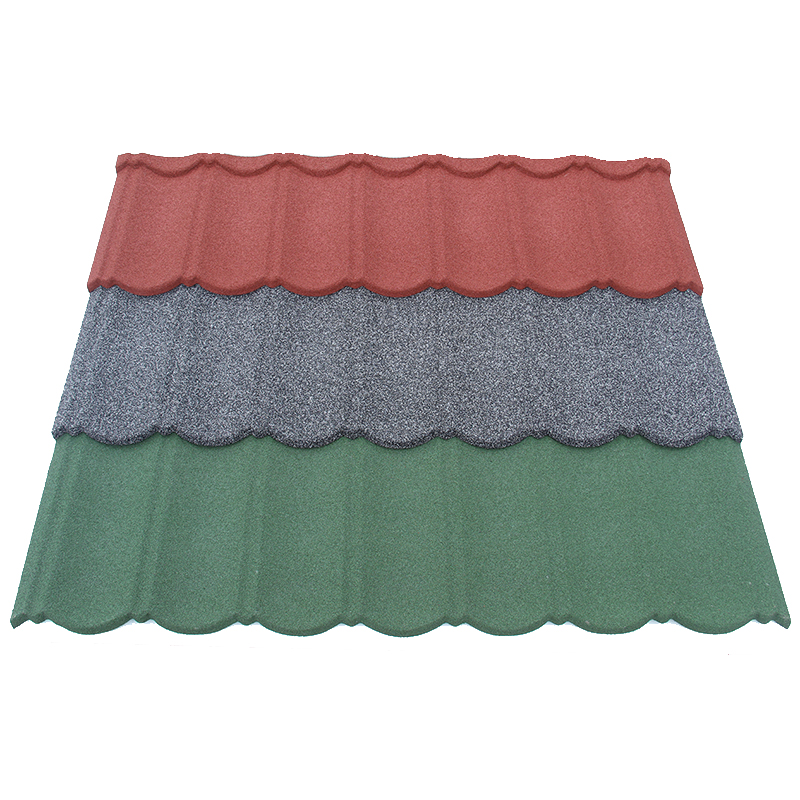
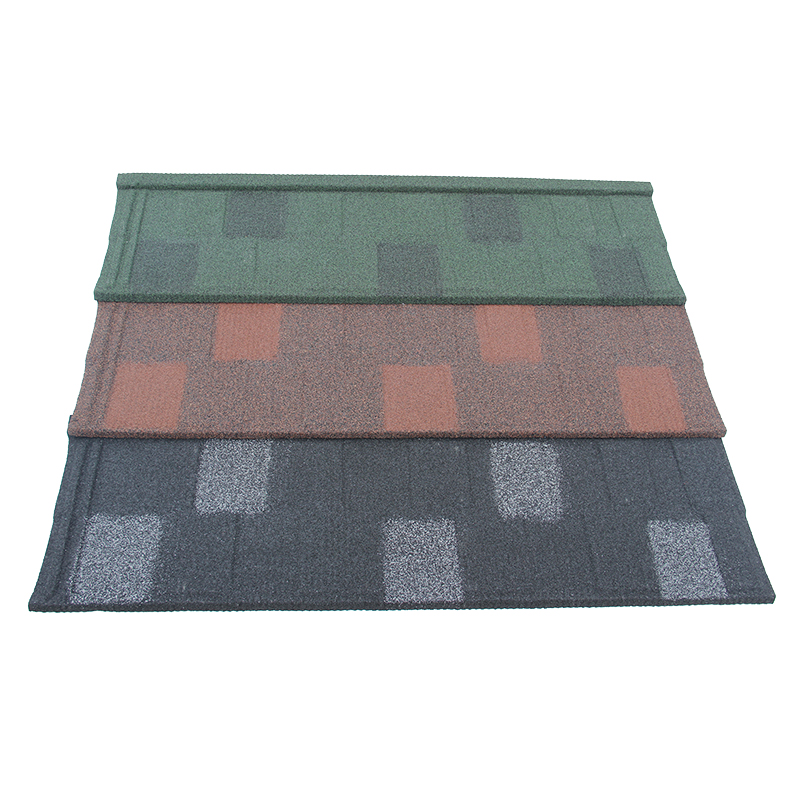
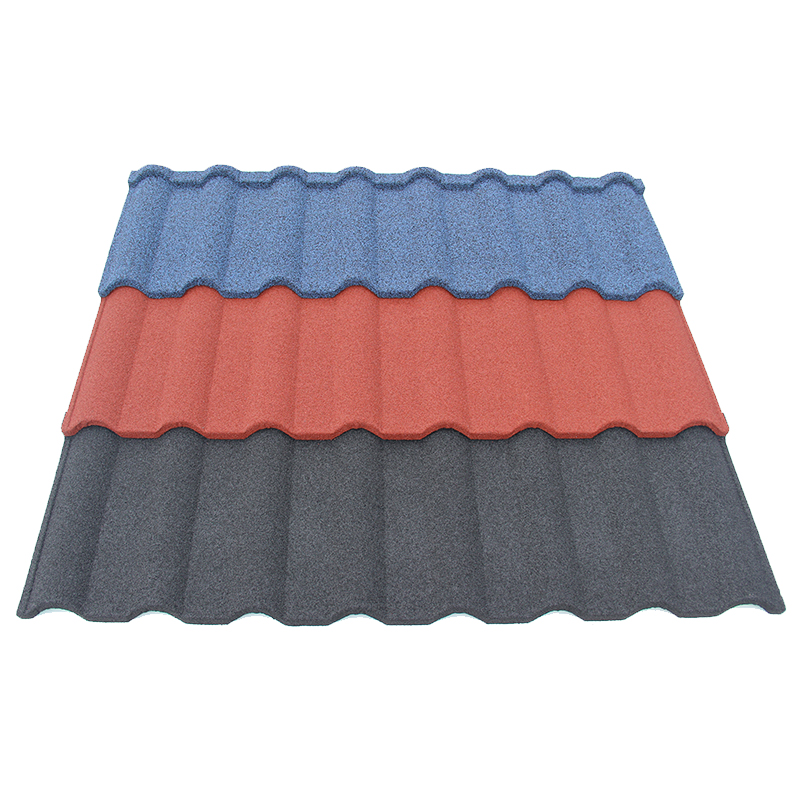
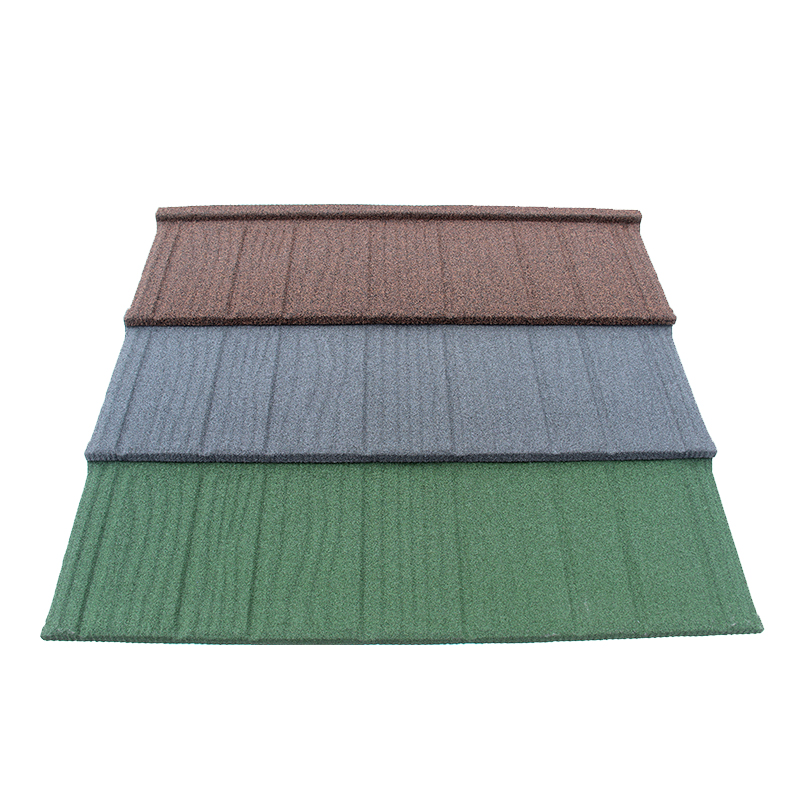
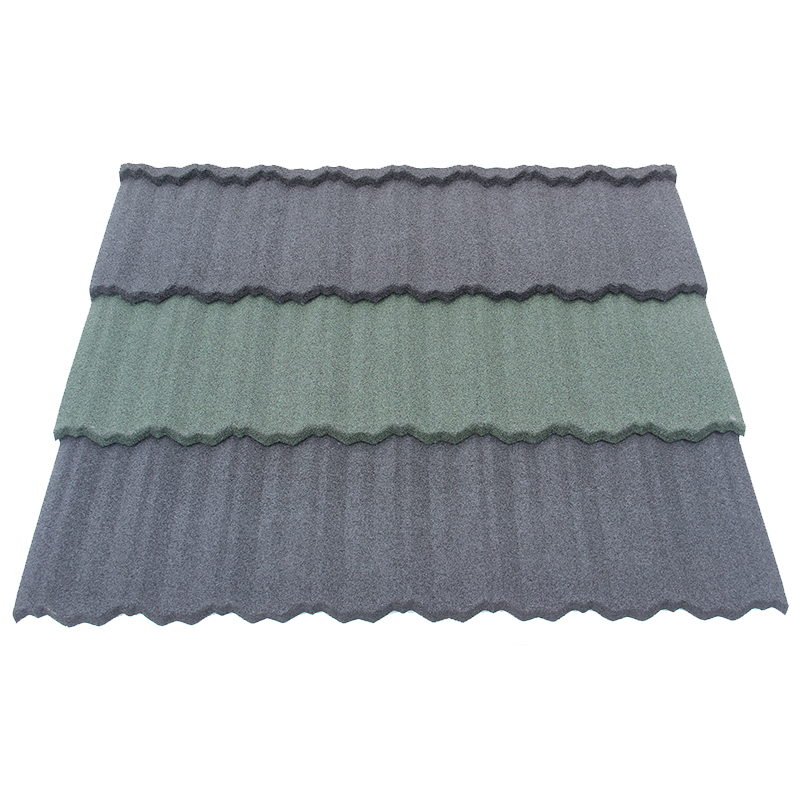
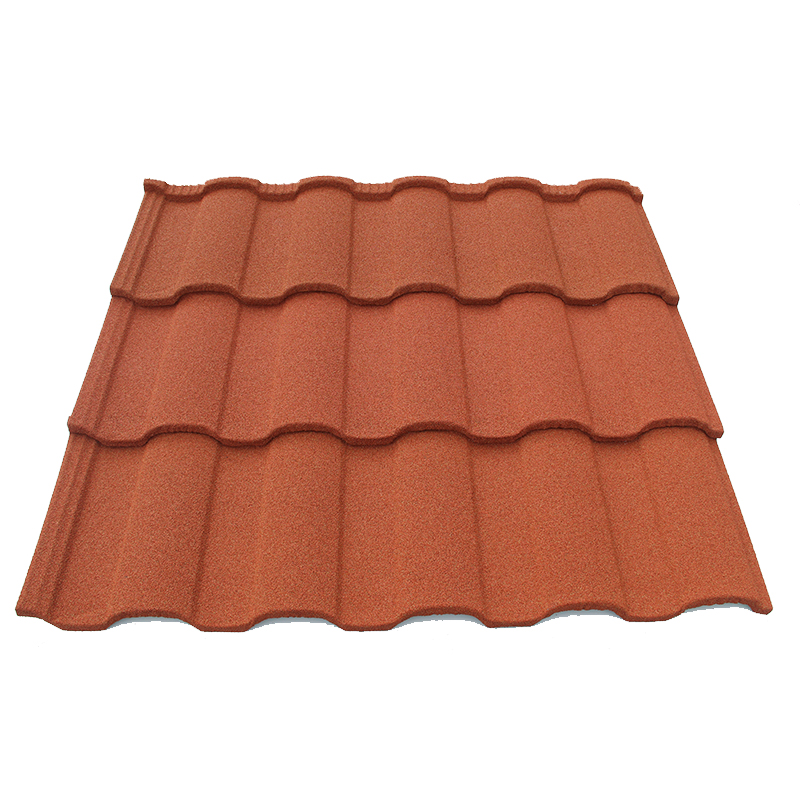
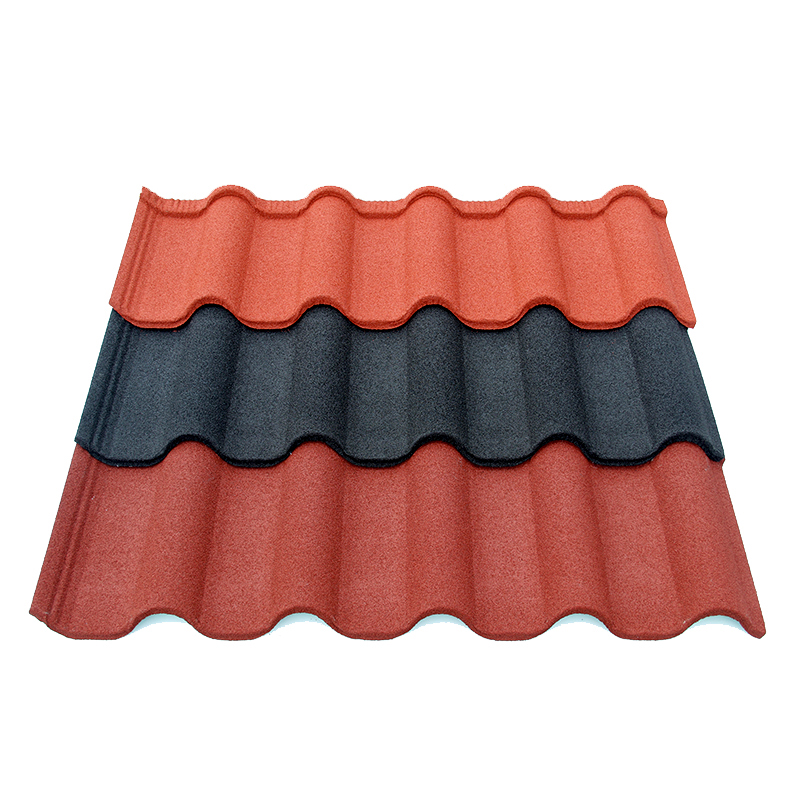
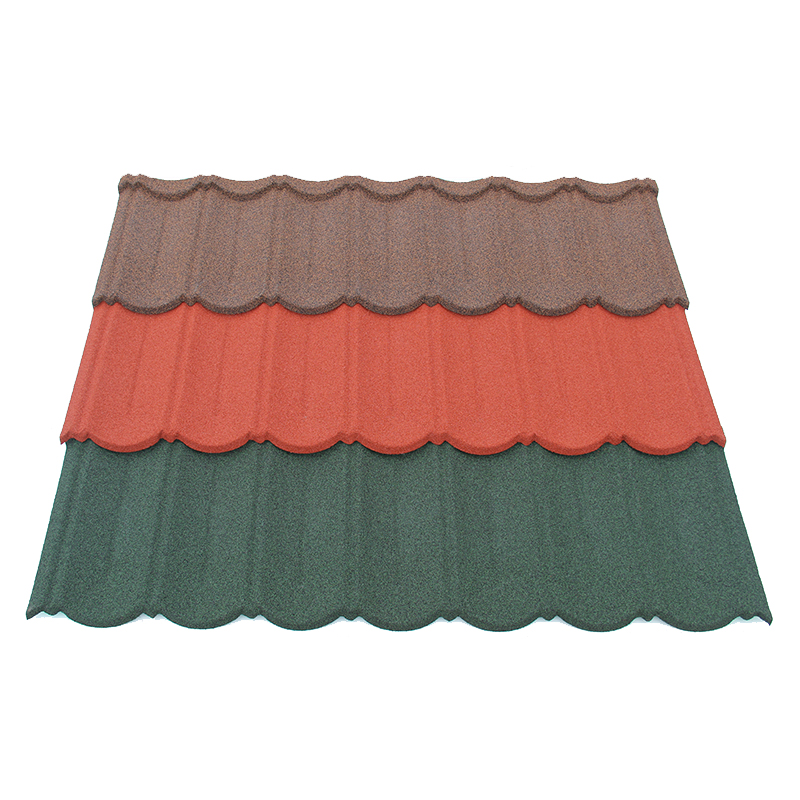
A carton for Bond tile should identify that exact product version. A label for Shingle tile needs its own matching code and specification. Similar brand graphics do not make two profiles interchangeable.
Ask the supplier for the latest drawing and packing proposal. Confirm whether the label will sit on a carton, protective wrap, or another surface. Then request the actual print area and any restrictions on placement. A design made without those details may fit the screen but fail on the physical pack.
Assign approval responsibilities
The brand owner should confirm the trade name, logo rights, and approved visual identity. The buyer’s technical reviewer should confirm product data and the scope of any supporting records. The importer should review destination wording with suitable local advisers. The warehouse should check code visibility and receiving needs.
Record names and dates beside these responsibilities. If one person handles several roles, show each approval separately. This makes the scope clear when a later question arises. The factory should receive one final instruction rather than several conflicting comments.
Check text, numbers, and product claims
Read the artwork line by line against the current product record. Check spelling, language, units, color names, stock codes, and package counts. Pay particular attention to numbers copied from an earlier design. An unchanged layout can still contain outdated data.
If the artwork includes coverage, identify whether it means installed coverage or another measure. If it includes weight, state the unit and whether the value is net or gross. Do not print a precise figure without a confirmed basis. Ask the supplier to resolve any difference between the product sheet and the packing plan.
Keep technical statements within their evidence
A test mark, rating, or warranty statement needs a responsible owner and applicable evidence. Check which product, assembly, and conditions the underlying document covers. A report for a different panel or fixing arrangement may not support the proposed wording. Ask a qualified local adviser to assess the destination requirements.
Do not use artwork approval to fill gaps in the specification. If the evidence is incomplete, leave the statement off until the parties resolve it. A printed claim can remain in circulation long after an email correction. Review all languages together so a translation does not expand the original promise.
The existing OEM customization guide helps organize questions about product and branding choices. Confirm the exact option for the order before adding it to the artwork. A general service description is not approval for a specific product claim.
Reconcile quantity and shipping fields
Check pieces per pack, packs per pallet, and any mixed-item references. If packing quantities are still provisional, keep them out of a fixed printed panel. Agree whether a variable label will carry the final shipment figures. The receiving team should understand which field controls the count.
The U.S. International Trade Administration packing list guidance describes the purpose of shipment packing information. Its context is U.S. trade, so check the rules for your actual transaction. Match package identifiers and counts to the approved shipping documents before dispatch.
Review the layout and print reference

Ask for the printer’s current layout template. Confirm dimensions, folds, cut lines, safe areas, and the surface used for printing. Keep essential text away from folds and positions hidden by straps. Review the final design at its actual size rather than only enlarged on a screen.
If a color match matters, agree the physical reference and review method with the printer. A screen image does not establish an exact printed result. Ink, substrate, and print process can affect appearance. Record what the approved proof covers and which differences still need review.
Test codes on the real pack
For a barcode, specify the data, code system, position, and scanning needs. Ask the party responsible for the code to confirm its ownership and correct use. Test a printed sample with the intended receiving process. A readable image file does not guarantee a readable wrapped pallet.
For a QR code, open the destination on a separate device. Check that it leads to the right product document and language. Assign someone to maintain the page and its revisions. If instructions change later, the code should still help the customer identify the appropriate version.
Review the physical presentation
Where practical, inspect a proof on the actual packaging material. Check text contrast, print clarity, label adhesion, and visibility after wrapping. Confirm that handling marks correspond to the agreed pack orientation. A decorative arrow should not conflict with the way the goods must be handled.
Use photographs to record the agreed label position, with a clear scale or layout reference where useful. Photographs can support a visual record but do not prove hidden packaging properties. Any required pack test needs its own agreed method and acceptance criteria. Keep the result separate from the artwork signoff.
| Review area | Evidence to retain |
|---|---|
| Product identity | Approved specification and matching item codes. |
| Label content | Reviewed text, units, quantities, and language. |
| Printed appearance | Named proof or physical print reference. |
| Receiving | Confirmed code data and usable label position. |
| Release | Final revision, date, approver, and supplier acknowledgement. |
Release one version and control later changes
After corrections, request a fresh final proof. Compare it with the comments and make sure the changes did not alter another field. Then approve the complete component, not an isolated screenshot. Identify the exact filename, revision, and release date in the instruction to the factory.
Ask the supplier to acknowledge which file will guide printing. Keep earlier versions marked obsolete and outside the active production folder. If several packaging components are involved, include a release list for all of them. A simple list prevents an approved carton from being paired with an old insert.
The printer’s proof policy also deserves review before release. Ask for its written guidance on artwork and proof approval within the proposed printing process. Confirm which proof it provides and what the signoff covers. Do not assume another printer follows the same terms.
Keep a short release note with the final files. It should name the components approved and any items still pending. If an insert remains open, say whether carton printing may proceed independently. The factory needs a clear instruction about which activity the buyer authorizes.
Check the first printed output
Agree whether the factory will provide a first-print check before continuing the run. Define who reviews it and what happens if a difference appears. The check should compare the physical output with the approved reference. It should not introduce new unrecorded product requirements.
Before shipment, reconcile the final label with the goods and packing list. Check the item identity, color, lot reference, and quantities visible on the pack. Record exceptions while the supplier can still investigate them. The broader packaging information guide explains how carton and pallet records connect.
Treat revisions as a new release
If a code, claim, product specification, or destination changes, identify the artwork affected. Ask whether printed stock remains at the factory and who owns it. Review whether it can still be used for the current goods. Do not cover a disputed statement with a new label without an agreed correction plan.
When discussing artwork with JCROOF, provide the approved product details and the packaging files together. Ask the supplier to confirm the proposed print method and any open items for that order. Keep the written response with the final release record.
For repeat orders, ask whether the specification, pack material, printer, or layout has changed. Reuse the approved design only after confirming its continued accuracy. A familiar brand graphic can hide an outdated quantity or document reference. A short version check helps the next shipment match the same buying decision.
Preparing packaging artwork for approval? Send us an inquiry with your product references and packaging needs. Our team will reply and help you review the next steps.