

A private label roofing catalog should help buyers identify the product, compare valid options, and request the right order. Start with clear profile pages, accurate specifications, finish codes, and supporting documents. Then add ordering details that connect the catalog to your stock records.
Good images attract attention, but they cannot carry the whole buying decision. A distributor also needs usable item codes and clear limits around claims. Customers should understand which details describe the panel and which concern the complete roof system.
Build the catalog from approved product records before designing the pages. This reduces conflicting names, missing units, and unsupported promises. It also makes later revisions easier to manage across print and digital copies.
Define the private label roofing catalog audience
First, identify who will use the catalog. A dealer may need a quick range overview and order codes. A project buyer may also need drawings, technical records, and matching accessory details.
One catalog can serve both groups if the information has a clear order. Lead with the product choice, then provide the details needed for comparison. Finally, show where buyers can find the relevant supporting documents.
Do not begin by copying every item from a supplier’s website. Choose the actual range that your business plans to offer. Then confirm its current specification, finishes, and commercial status with the supplier.
Give each section a buying purpose
A range overview should help readers find the right product family. A profile page should explain the exact offer. An ordering section should help the buyer request a quote without guessing.
Keep these purposes distinct as the layout develops. A large project photograph should not hide the product code. Likewise, a dense specification table should not force readers to infer which profile it describes.
The private label range guide helps distributors choose a focused first offer. Complete that decision before adding catalog pages. A wide draft catalog can create expectations for goods that the distributor has not approved.
Establish the source of every field
Create a master product record with an owner for each section. Technical staff should check specifications and evidence. Meanwhile, the sales team should check names, customer questions, and quote requirements.
The supplier should confirm the product details it proposes for the range. The distributor should then decide what its catalog can accurately state. These are separate responsibilities even when both teams use the same files.
When gathering information from JCROOF, send the intended product list and draft fields together. Ask the supplier to identify current documents and open questions. Keep that response with your catalog source records.
Build a complete page for each profile

Every profile page should make the product identity clear. Use a consistent public name and buyer code. Also maintain a link to the supplier reference in your internal records.
For Bond Tile, show information for that specific profile. If Roman Tile joins the range, give it its own verified page data. Similar product names do not establish shared dimensions or matching accessories.
Include the proposed colors and their codes for each profile. Do not assume that every finish applies across the range. Confirm the combinations before printing them as available choices.
Use specifications that readers can interpret
Show the units beside every numerical value. Also explain the measurement basis where confusion is likely. Overall panel dimensions and effective coverage should not share an unclear size label.
If the catalog states thickness, identify the relevant layer or product basis. If it states weight, identify the unit and basis. Do not let the layout remove a qualifier that makes a number meaningful.
The private label roof tile specification guide explains how to define those fields for buying and inspection. Keep the catalog consistent with that approved record. A revised page should not quietly change the product requirement.
| Catalog field | Information to show | Source to check |
|---|---|---|
| Product identity | Profile name and buyer code. | Approved product record. |
| Dimensions | Named measures with units. | Current drawing or technical sheet. |
| Coverage | Effective coverage and its basis. | Product-specific documentation. |
| Finish | Color name, code, and type. | Accepted finish references. |
| Accessories | Matching item references. | Confirmed system information. |
| Documents | Current supporting file references. | Approved document register. |
Make pictures serve the product decision
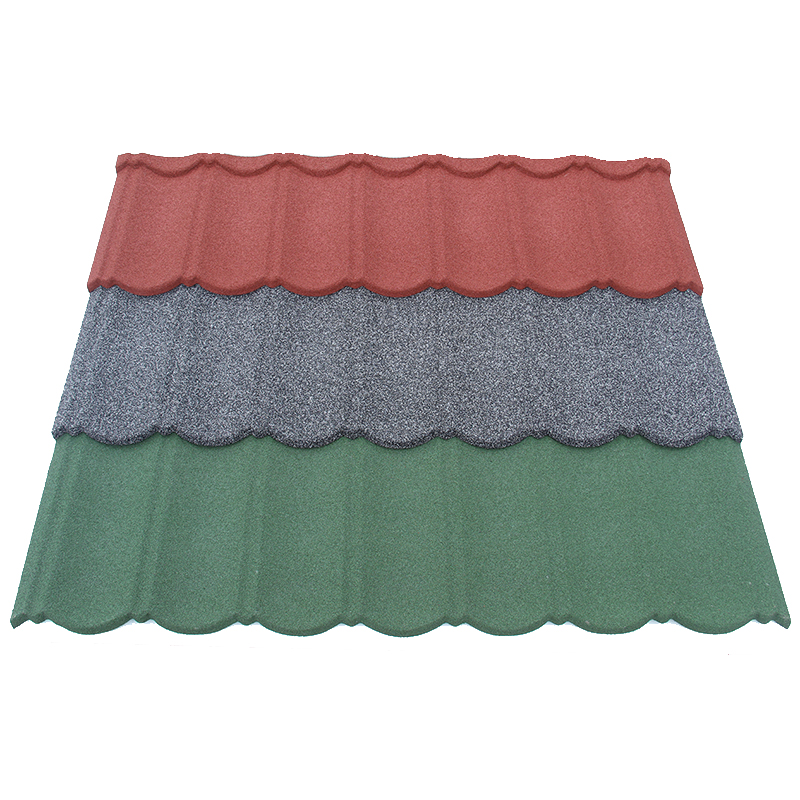
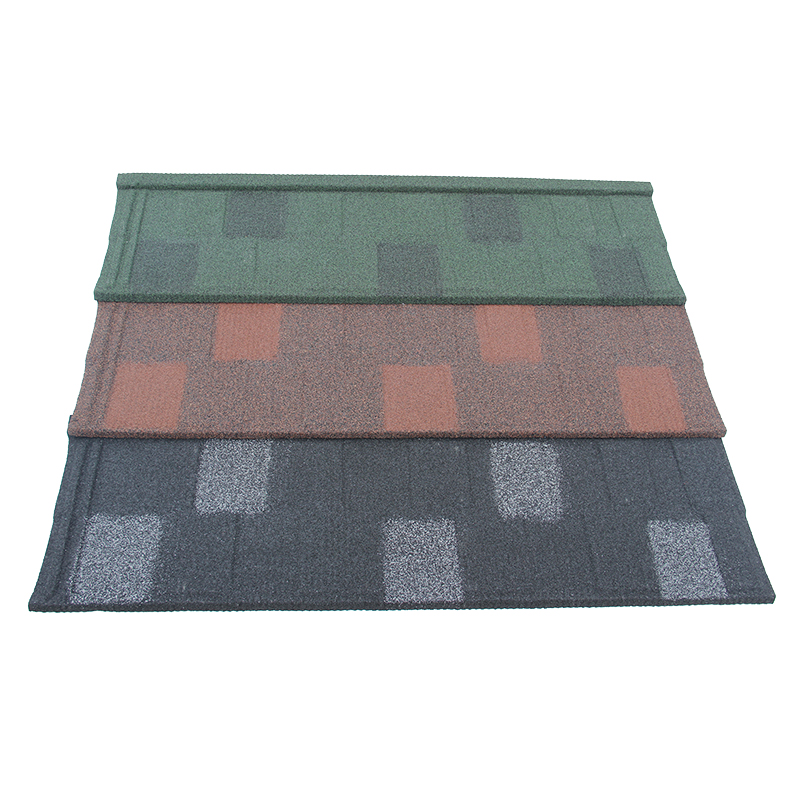
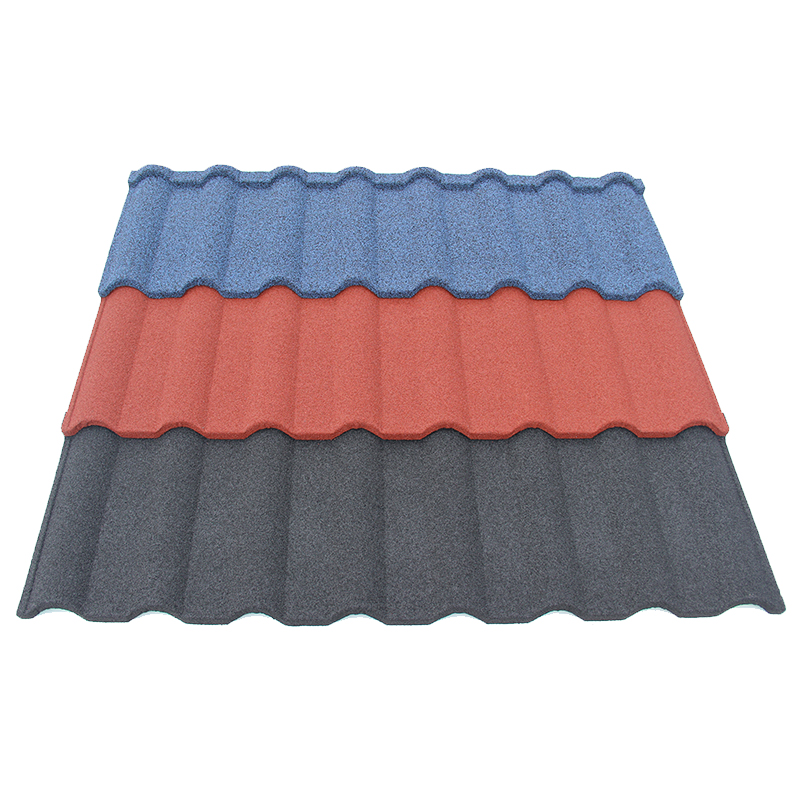
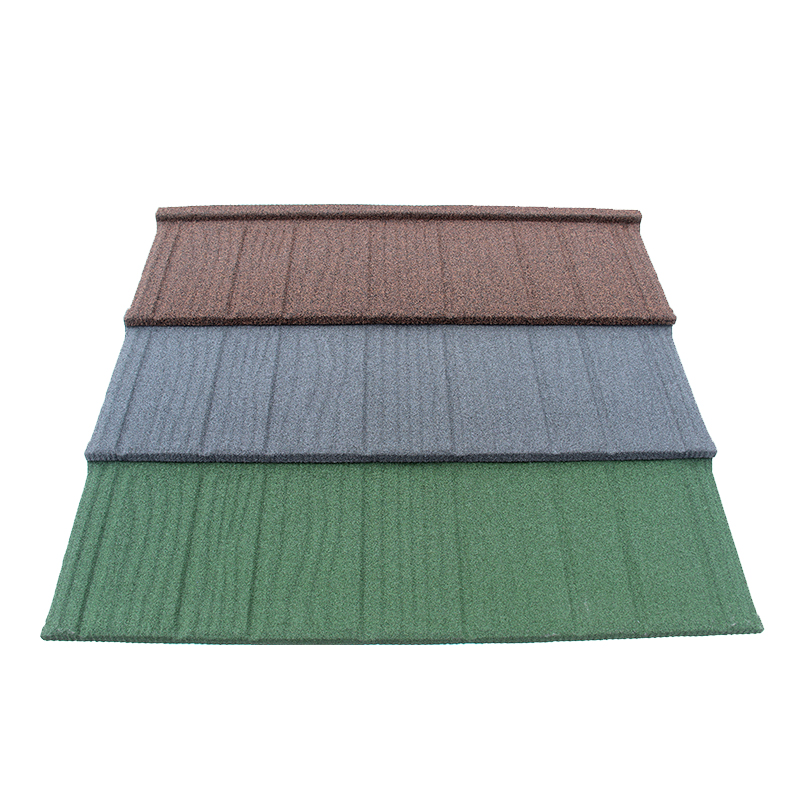
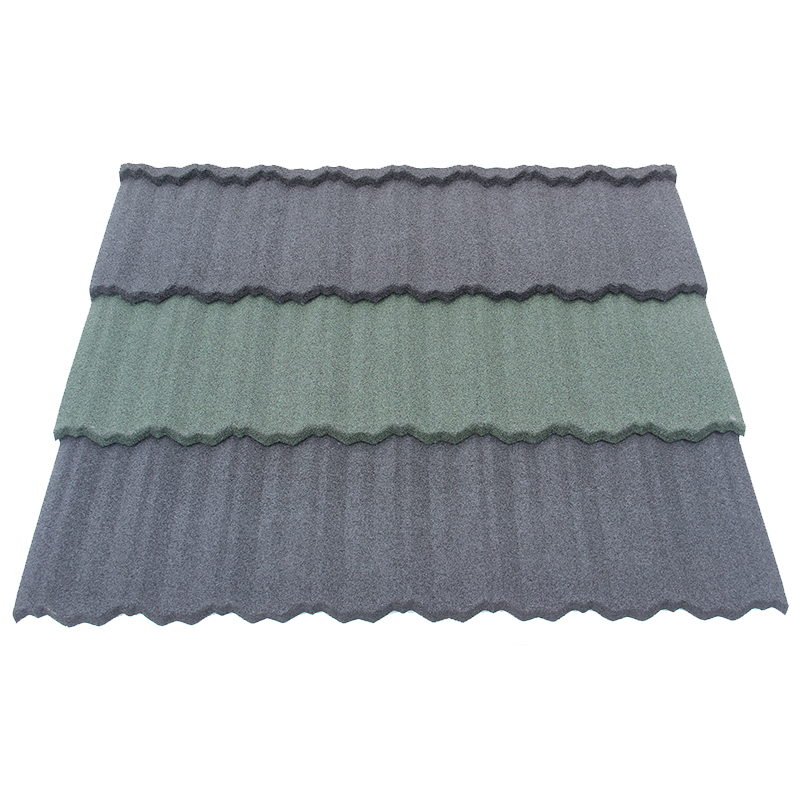
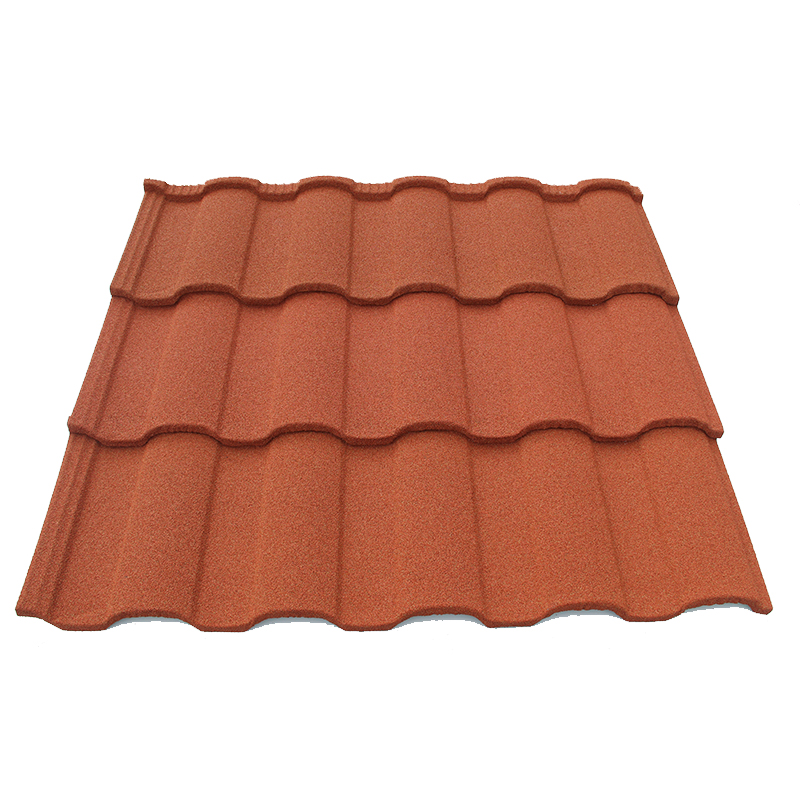
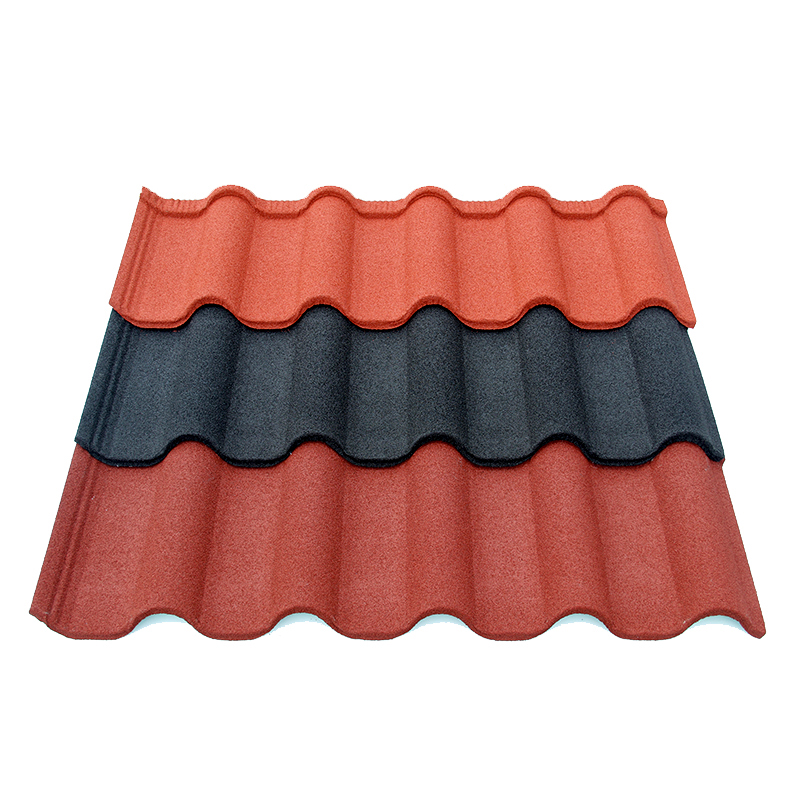
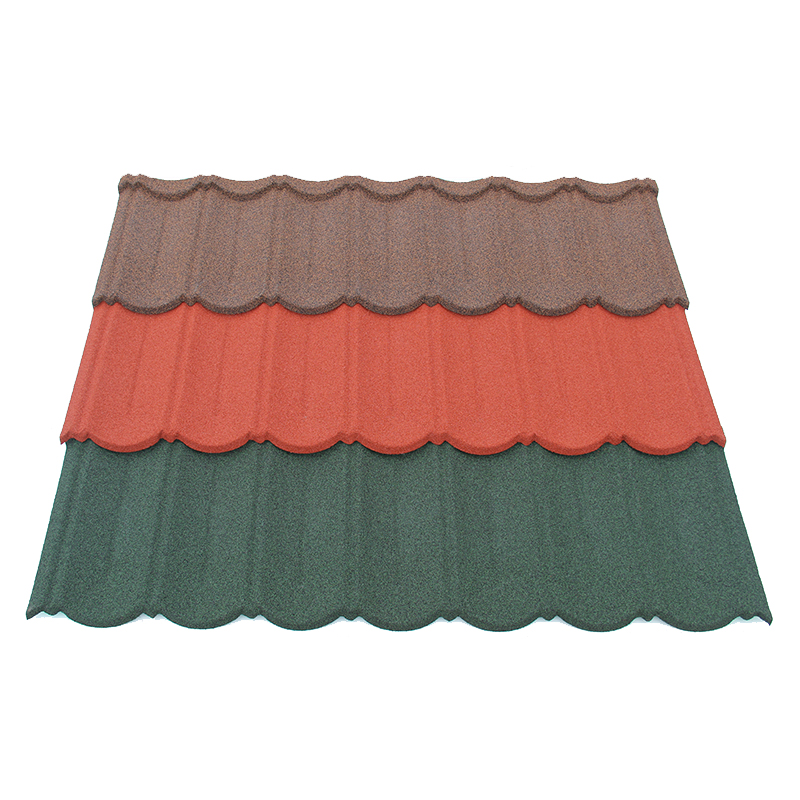
Use images that show the actual profile and surface. Include a full panel view when it helps readers understand the form. A close image can also show the visible texture.
If a project photograph illustrates a style, explain its purpose accurately. Do not imply the distributor supplied that project without evidence. Also check that the image rights allow the planned use.
Avoid using one roof image to represent several distinct products without explanation. Readers may otherwise connect a pictured shape to the wrong code. A useful caption should make the relationship clear.
Keep color choices and claims within their evidence
Color pages should help customers narrow their choices. Give every shade a stable name and code. Then explain how customers can review the physical finish before approving a critical match.
Screens, print, light, and surface texture can affect the view. Therefore, do not describe a digital swatch as an exact physical standard. Keep final approval tied to the agreed reference and method.
For blended finishes, show enough of the surface to communicate the visible mix. A tiny crop may hide contrast across the panel. Also ensure the image belongs to the named profile and finish.
Connect performance wording to the right record
Technical claims need support for the actual product and conditions. Ask who issued the report and which model it covers. Also check whether the result concerns a panel or a complete assembly.
Keep required qualifiers beside the claim. A badge without context can imply broader performance than the underlying record supports. Do not reuse another manufacturer’s result because the products look similar.
The FTC’s advertising substantiation policy explains that advertisers need a reasonable basis for objective claims before publication. This is a U.S. policy source. Check the applicable requirements for your own destination market as well.
That principle supports a simple catalog habit. Approve the evidence before approving the claim. If the support remains unclear, leave the statement out until the responsible reviewer resolves it.
Describe warranties and availability carefully
If the catalog mentions a warranty, identify the responsible provider and current terms. Link to the relevant document where practical. Also avoid turning a limited warranty into a broader product guarantee.
Keep stock status distinct from catalog inclusion. A product can belong to a range without sitting in the local warehouse. Describe the ordering route accurately and check availability when quoting.
Similarly, confirm custom options before promoting them as routine choices. A supplier’s general discussion of customization does not approve a particular request. State any confirmed conditions clearly in the appropriate sales material.
Help distributors prepare complete inquiries and orders

The catalog should guide buyers toward a usable inquiry. Ask for the product code, finish, quantity, destination, and known project needs. Also tell readers which technical questions need further review.
Include accessory references alongside the relevant panel where possible. This helps readers ask about the complete supply scope. However, a catalog list should not replace a qualified review of the actual roof design.
Keep buyer-facing codes consistent across quotes, labels, and warehouse records. A sales team should not translate names from memory when placing an order. Clear mapping helps prevent a familiar name from pointing to the wrong item.
Separate the catalog from the current price offer
Decide whether prices belong in the main catalog or a separate current sheet. A separate sheet may be easier to update. Either approach needs a date, unit, and clear scope.
If you show a price, identify what it includes. State the currency, quantity basis, and relevant delivery terms. Also clarify whether accessories and other charges appear separately.
Avoid treating a past printed price as a standing quotation. Ask the supplier for current terms before confirming the customer’s order. The catalog should make the buying process clearer, rather than create an accidental price promise.
Provide the right supporting documents
Give readers a clear route to current technical sheets and installation guidance. Identify the document title and the product it concerns. Also distinguish general reading from instructions for the exact system.
A QR code can help connect print to digital files. Test the destination and assign someone to maintain it. An attractive code that opens an outdated file undermines the rest of the page.
If the catalog uses several languages, review them against the same source record. Check numbers and units separately from ordinary translation. Also ensure the translated text does not expand a claim or remove a limit.
Release and maintain one current catalog
Before release, check the draft against the approved product records. Then ask someone outside the design task to use it. They should be able to identify a product and prepare a clear inquiry.
Check the printed proof at its actual size. Small text, weak contrast, and crowded tables can hide important details. Also test the digital PDF and its links on an ordinary screen.
Run a final content review
Use a short review list before approving the file:
- Match each product name and code to the current range.
- Check all numerical values, units, and measurement bases.
- Confirm profile and finish combinations with the supplier.
- Check images, captions, and rights for the planned use.
- Match claims and warranty wording to current evidence.
- Test document links and QR destinations.
- Record the edition, date, and final approval owner.
The artwork approval guide describes how controlled proofs help avoid conflicting files. Apply the same discipline to the catalog release. Keep one dated final version and mark earlier editions as superseded.
Make revisions traceable
Assign a catalog owner who receives product changes. Ask the supplier to flag revisions affecting the published fields. Then review the digital files, print stock, and dealer copies that need attention.
Record the change and its effect on older orders. A new product code may need a clear cross-reference for service requests. Preserve earlier editions so staff can understand what customers originally received.
Finally, review questions that customers still ask after reading. Repeated confusion may reveal a missing field or unclear comparison. Use that evidence to improve the next edition while keeping the underlying product facts consistent.
Preparing a private label roofing catalog? Send us an inquiry with your product list and target market. Our team will reply and help you review the information needed.