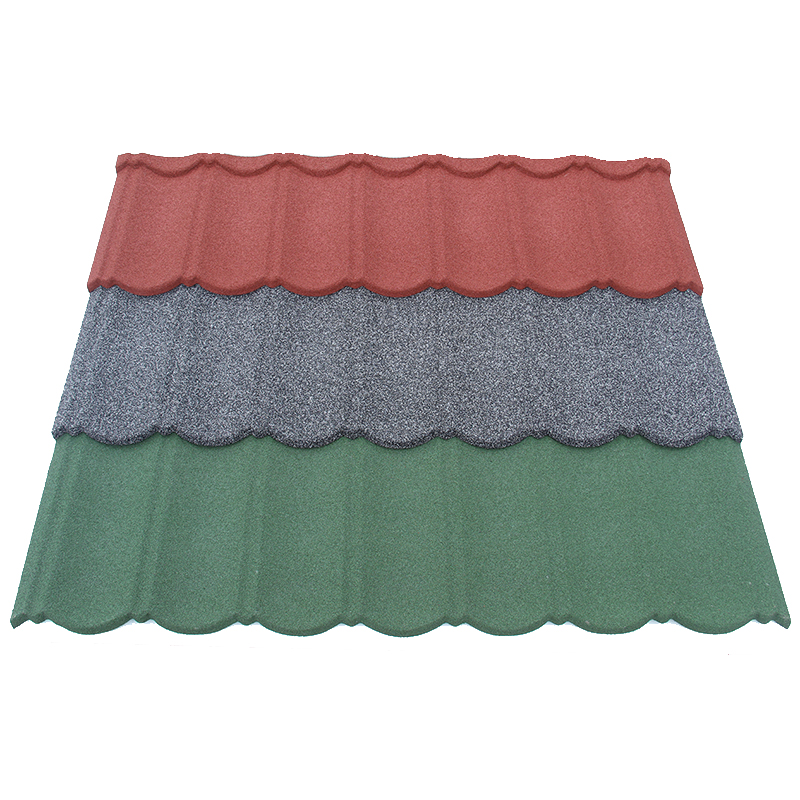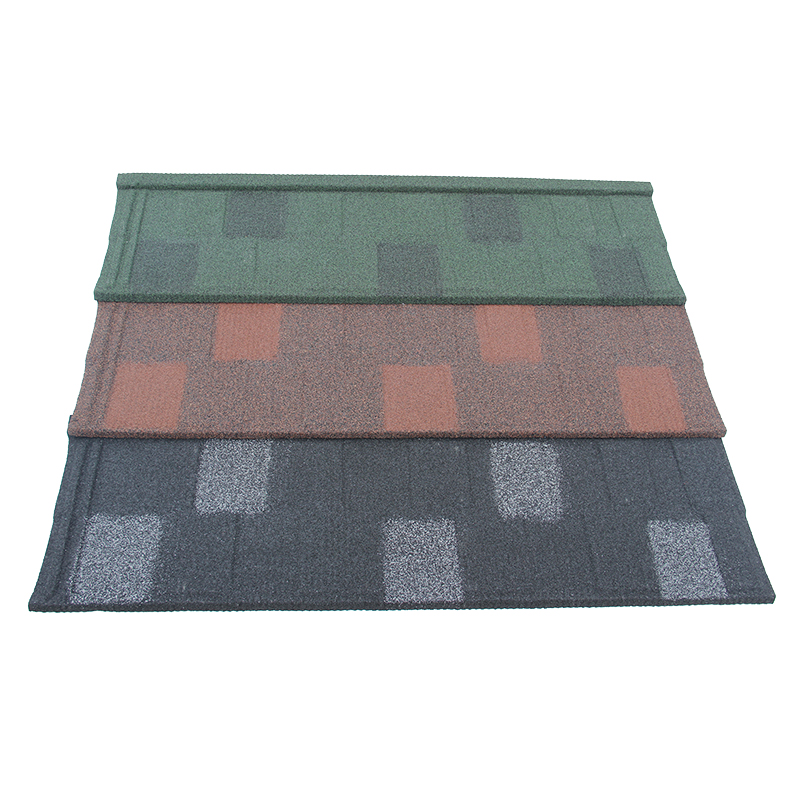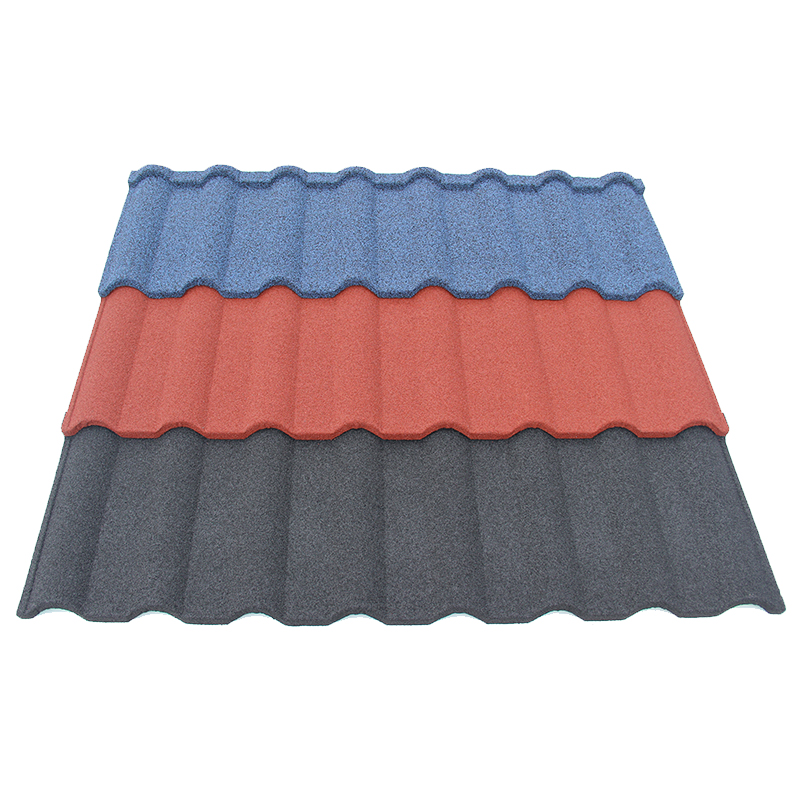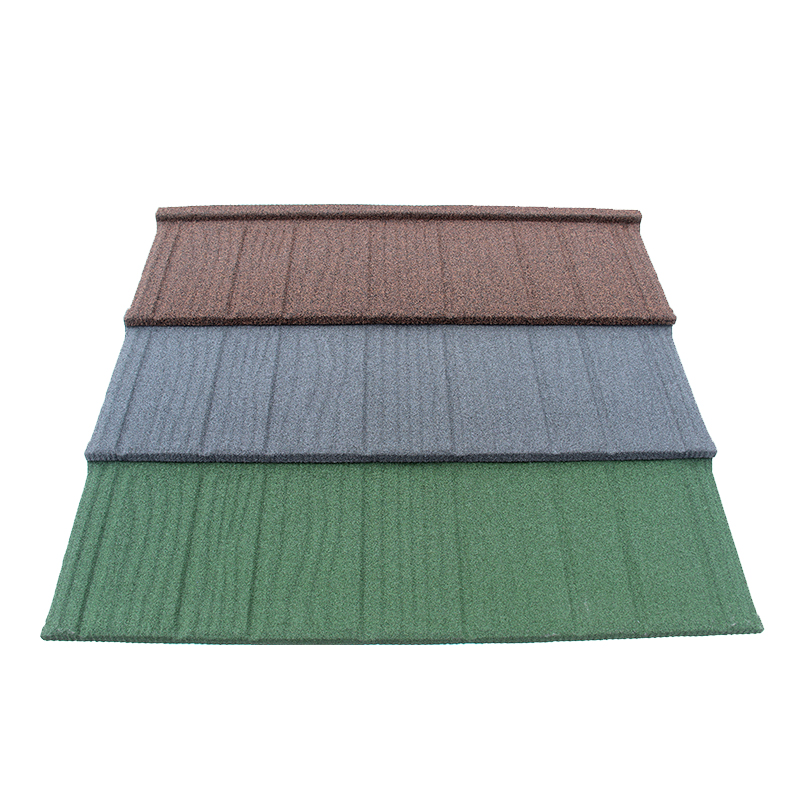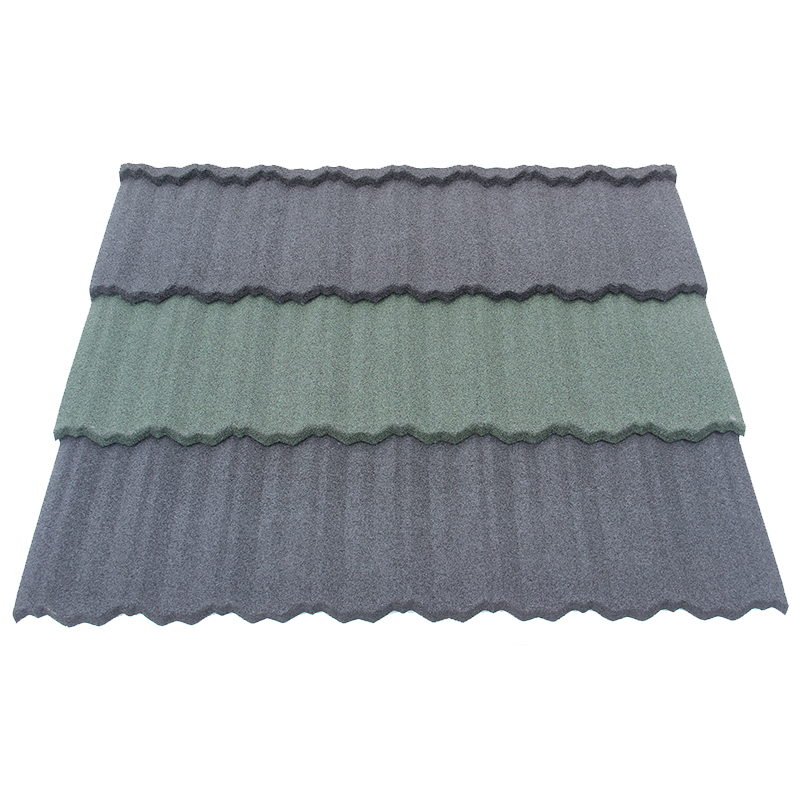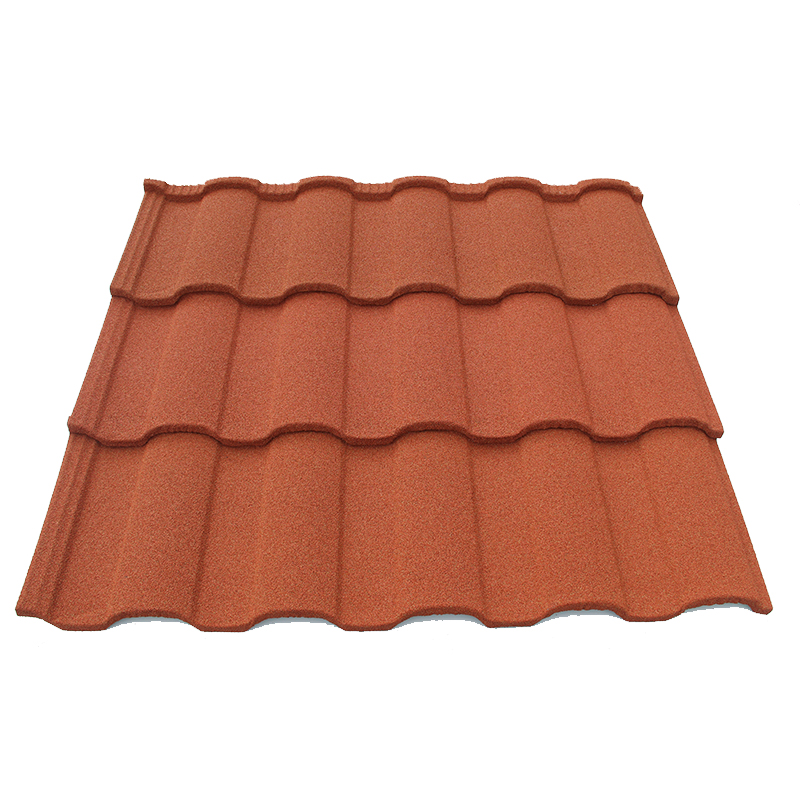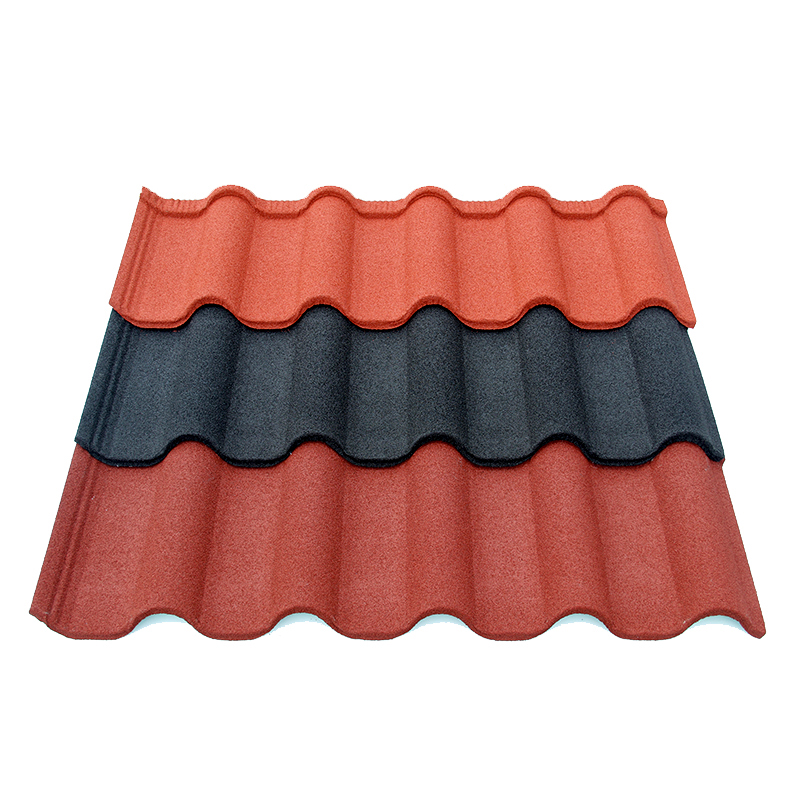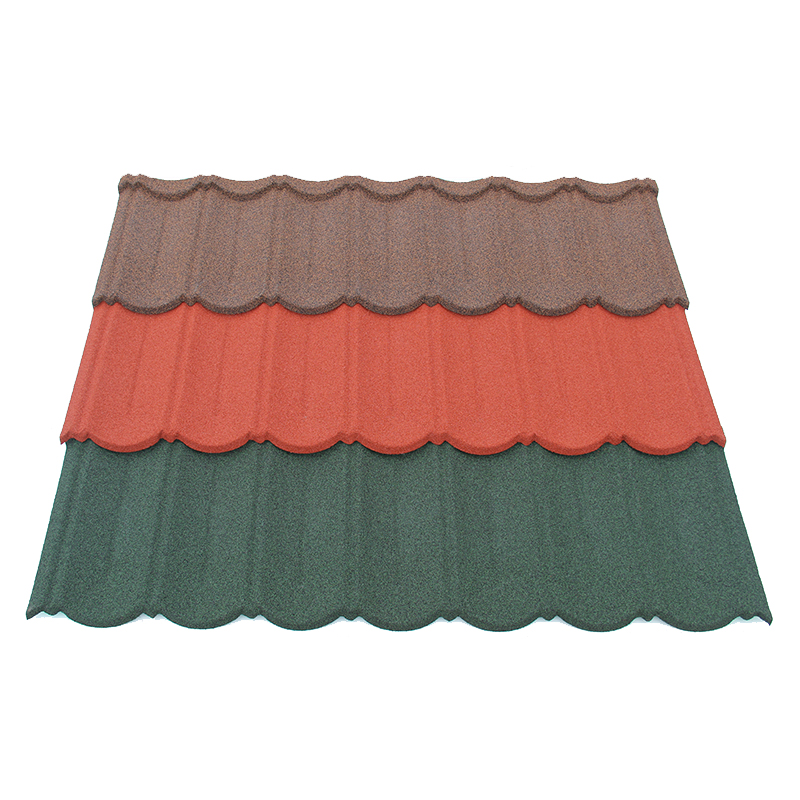


Private label roofing product data sheets should present checked facts about each product your brand sells. Start with its name, code, materials, size, coverage, and intended use. Then add clear links to the supporting documents and show the issue date.
A useful sheet helps buyers ask better questions before placing an order. It also gives sales staff a shared source for product answers. Build it from approved facts, with each claim tied to the correct item.
The task goes beyond adding your logo to a factory brochure. Your brand must know which values apply and which details still need review. Therefore, settle the product identity before starting the page design.
Plan your private label roofing product data sheets
Define who will use each sheet
First, name the main reader and the decision they need to make. A dealer may need a quick way to compare profiles and quote materials. A project team may need exact references for a deeper technical review.
The same core facts can serve both readers when the sheet has a clear structure. Put the product summary first, then list supporting files by purpose. Avoid making readers search through a long company story to find panel coverage.
Also define the market, language, and product range that the sheet covers. A translated file should describe the same product as its source. If local options differ, give that edition its own clear scope.
The private label product range guide explains how item choices affect stock and sales. Use that range list to decide which products need their own sheets. Do not publish planned options as approved items your team can already supply.
Give every sheet a clear product identity
Place your brand name and product name near the top. Add your item code and a photo that matches the named profile. Also retain the supplier’s matching code in the controlled source file.
For example, create a distinct record for Roman Tile when that profile joins your range. A separate Bond Tile sheet should use its own approved drawing and details. Similar color names do not prove that two profiles share sizes or parts.
If one sheet covers several versions, show those versions in a clear table. Each row should identify exactly which values and options apply. Otherwise, buyers may combine details from different models into a product you never approved.
Also decide who owns each part of the file. Product staff should check facts, while sales staff review clarity and customer questions. Then assign one person to approve the final release.
Build a fact table before designing the page

Gather facts from the right records
Ask the supplier for current drawings, material descriptions, packing details, and relevant reports. Match every source to the exact product and version offered. Keep a source list so staff can trace a value later.
The OEM roofing brief guide provides context for gathering these details before an order. Its brief covers more than a customer sheet needs. Use the approved brief as a source, then choose the facts your reader needs.
When working with JCROOF, name the exact profile and intended market in that request. Its company page describes a roofing producer that welcomes OEM and ODM orders. Confirm the details for your proposed product rather than relying on general company claims.
A source table can stay simple while making review much easier:
| Sheet field | Source to check | Question before release |
|---|---|---|
| Product name and code | Approved item list | Does this name match the sold item? |
| Profile image | Current product photo | Does the photo show this version? |
| Steel and coatings | Supplier material record | Does each term have a clear basis? |
| Size and coverage | Approved profile drawing | Are overall size and cover separate? |
| Available finishes | Approved color list | Can buyers order every listed option? |
| System parts | Current parts schedule | Which parts match this panel? |
| Test claim | Relevant report | Does the report cover this version? |
| Pack details | Approved packing sheet | Are counts and units clear? |
This table is a review tool, without setting universal values for roof tiles. Fill it with checked facts for the product you will sell. Resolve missing data before moving the field into a public sheet.
Write numbers with units and meaning
Every value needs a unit and a clear description. State whether weight applies to one panel, one pack, or a covered area. Likewise, distinguish overall panel size from its effective installed coverage.
Keep the steel thickness basis clear in the source records and public wording. Base metal thickness describes the steel before added coating layers. A finished tile measurement includes other layers and cannot replace that value.
Avoid showing a broad range when only one version has approval. If several versions exist, link each figure to the correct item code. Also keep the same unit style throughout the sheet.
Where a value depends on an installation arrangement, name that arrangement or cite its current drawing. Do not let a short table hide an important condition. Buyers need enough context to understand what the number means.
Separate the product summary from supporting proof
Give each document a clear job
A product data sheet helps readers identify and compare a product. Installation instructions explain how to use the stated system. Test reports describe the sample, method, assembly, and results within their own scope.
Warranty terms answer another set of questions about coverage, exclusions, and claim steps. Keep each document easy to find under its proper name. A product sheet should point readers toward those details without replacing them.
For example, GAF’s document library lists data sheets, safety data sheets, specifications, and warranties as distinct document types. This illustrates a useful way to organize a roofing document set. It does not establish the requirements or performance of another brand’s roof tiles.
Add file names or direct links beside the relevant topic. Also show the revision when that detail helps readers find the correct version. A general link to a crowded downloads page may leave them unsure which file applies.
Keep claims within their evidence
Before adding a claim, ask what the reader will understand it to mean. A broad phrase may imply more than the underlying report supports. Therefore, include key conditions near the claim rather than hiding them elsewhere.
For US advertising, the FTC’s small business guidance says advertisers need evidence supporting their claims. The guidance considers both direct claims and claims readers infer. Use this as a reminder to review the full message, including photos and badges.
For a roof performance statement, check which panel and assembly the report actually covers. Confirm the fasteners, supports, and other stated conditions before drafting a summary. Ask the responsible technical adviser to review whether it fits the intended project.
Do not turn a test result into an unlimited promise about every roof. Also avoid copying a supplier’s claim without checking the file behind it. Your brand should understand both the statement and its limits.
The roofing quality assessment guide explains how samples and records support buying decisions. Use those records to check the public sheet against the approved product. A good looking PDF cannot resolve a conflict in its source facts.
Make the sheet easy to read and use
Use a simple reading order
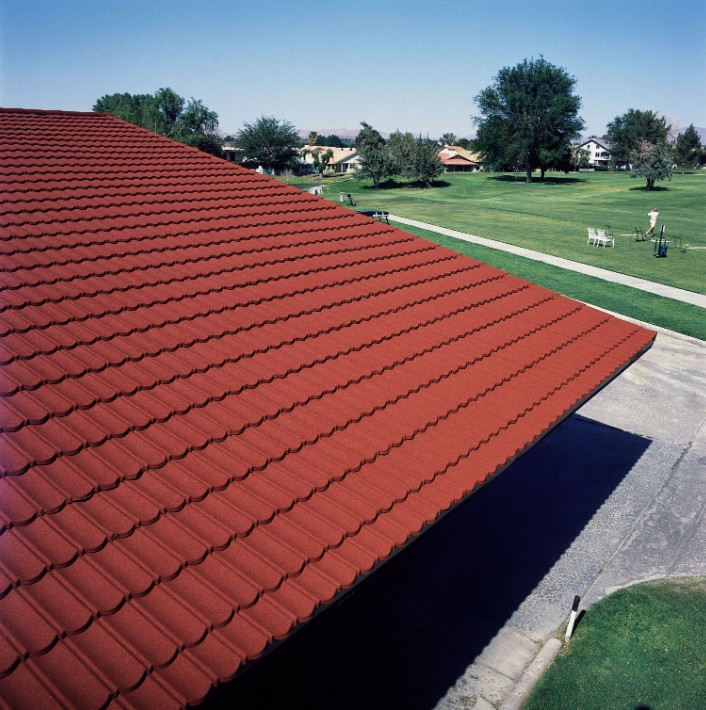
Start with the product name, profile image, and a short factual description. Next, present the main product table with clear field names. Then show available options, system references, and document links.
Keep key facts as live text rather than placing everything inside an image. This helps readers search the PDF and copy codes into an inquiry. It also makes later edits easier to check against the source file.
Use a drawing when a photo cannot explain overlaps or panel size. Give each drawing a clear title and readable labels. Also state whether the view shows overall dimensions or installed coverage.
Leave enough space around tables for readers to follow each row. Check the file on a phone and a normal printed page. Tiny notes can hide the very limits your team needs buyers to see.
Help sales teams use the right edition
Give the PDF a file name that includes the product code and revision. Put the issue date and page number inside the document too. A downloaded file can lose the web page context that once explained it.
If the sheet has several pages, repeat the product code on each page. Keep important notes beside the values they qualify. This reduces the risk of someone sharing a table without its conditions.
Review translated copies with someone who knows the roofing terms used in that market. Check units, product codes, and links after translation. A fluent sentence can still describe the wrong version or measurement basis.
Also tell sales staff which questions need a technical reply. A data sheet should help them identify the product and its documented scope. It should not encourage them to invent answers when a project needs further review.
Approve, publish, and maintain the controlled version
Review the sheet before release
First, compare every field with the approved source table. Then check the finished PDF, since layout changes can drop notes or move labels. Follow every link and confirm that it opens the intended document.
Use a short release checklist before sharing the file:
- Match the title, code, photo, and drawing to the approved product.
- Check each value, unit, option, and stated condition.
- Confirm the scope and wording of every performance claim.
- Test the document links and review their current versions.
- Record the final approval and keep the released source file.
Also compare the sheet with the website, quote template, and pack labels. Conflicting names or figures can confuse buyers even when each file looks clear. Resolve those differences before the sales team starts sending the PDF.
Update the sheet when the product changes
Review the data sheet when materials, size, finish, system parts, or supporting evidence change. Decide which edits need a new revision and technical review. A changed logo alone may follow a different approval route.
Keep older sheets in an archive with their related order records. However, remove outdated copies from the places customers use to find current information. Tell dealers which version replaces the previous release.
A QR code can direct buyers to a page holding the current approved file. Still, check that the code works on the final printed label. Also keep a clear revision inside the PDF for anyone who saves it offline.
Finally, assign a person to handle corrections reported by buyers or staff. Review the source facts before changing the public wording. This keeps your brand’s product promise tied to a document your team can maintain.
Preparing data sheets for your private roofing brand? Send us an inquiry with your profiles, target market, and document needs. Our team will reply and help clarify the next steps.